Build a killer website with AI and make money with AdSense
For creators and dreamers. Start to finish: niche, domain, a bot-built site, content people trust, SEO and Search Console, AdSense approval and ads.txt, smart ad placement, and honest math about what it pays.
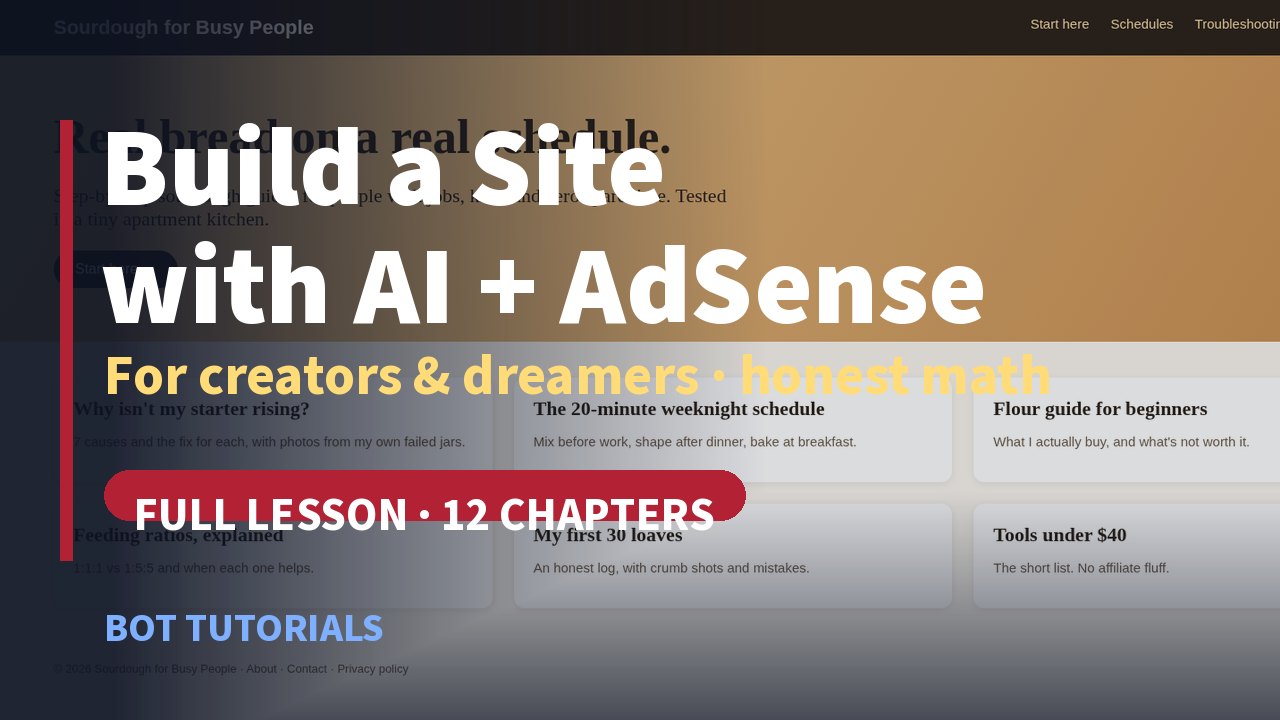 Full video lesson · coming soon
The full horizontal video lesson (about 13–14 minutes, 12 chapters) is coming soon to the Bot Tutorials YouTube channel. Narration is AI-generated.
Chapters
- 00:00 Intro: what you'll learn
- 00:59 The honest truth first
- 01:51 Pick your niche
- 03:01 Domain and hosting
- 04:11 Build the site with a bot
- 05:13 Content that earns trust
- 06:39 SEO basics and Search Console
- 07:31 AdSense requirements and policies
- 08:22 Apply: connect, ads.txt, review
- 09:32 Place ads without ruining your site
- 10:19 The real math
- 12:00 Grow and diversify
The honest truth first
AdSense pays for traffic, and traffic takes time. Most new sites earn very little in their first months. The people who win keep publishing genuinely helpful pages long after the excitement wears off. Swap the dream (quick passive income, viral overnight, 1,000 AI pages) for a plan: publish weekly for a year, build trust with real experience, add income streams as you grow.
1. Pick a niche that lasts
- Love it: could you write 100 posts?
- Know it: real experience to share.
- Searched: people type questions about it (check autocomplete and "People also ask"; collect 50 questions).
- Valued: advertisers want that audience.
2. Domain and hosting
Short, clear name → register the domain → simple static hosting → HTTPS → a contact email on your domain. AdSense requires access to your site's HTML source [1], so own your domain and your code. Plan About, Contact and Privacy policy pages and a clear menu from day one.
3. Build the site with a bot
In the video, a bot builds our example site Sourdough for Busy People on our computer: home page with hero and article cards, article template, About/Contact/Privacy, sitemap.xml and robots.txt, in plain HTML/CSS. Always read the source and check the mobile view.
4. Content that earns trust
Google's people-first content guidance asks: would your audience find it useful if they came to you directly? Does it show first-hand expertise? Will readers leave feeling they learned enough? [8] Use AI as an assistant, not a ghostwriter: Google's guidance targets content made mainly to manipulate rankings, however it's produced [12]. Let the bot outline, research questions and edit; you add photos, failures, measurements and your voice. Ask a bot to turn your 50 questions into topic clusters and a 12-week calendar with planned internal links.
5. SEO basics and Search Console
- One page per question with a clear title
- Descriptive headings and alt text
- Internal links between related articles
- Fast pages that work on phones
- A sitemap, submitted in Search Console [9][10]
Search Console's Performance report shows the real queries people used to find you [11]; feed them to your bot and ask what to write next.
6. AdSense requirements and policies
Your own unique, high-quality, original content; compliance with the AdSense Program policies; age 18+; access to your HTML [1][2]. Never click your own ads or ask others to; never publish copied or scraped content. Keep navigation clear and the site live during review.
7. Apply: connect, ads.txt, review
- Sign up and connect your site (AdSense code snippet in the <head> of every page).
- Upload
ads.txtto your root:google.com, pub-0000000000000000, DIRECT, f08c47fec0942fa0, then open yoursite.com/ads.txt to confirm [3]. - Request review on the Sites page. Fix anything under "Needs attention" and request again. When the site is Ready, ads can appear within about an hour [3].
8. Place ads without ruining your site
Start with Auto ads [4]: choose formats (in-page, anchor…), tune the ad load toward fewer ads if it feels crowded, and exclude pages like About and Contact. Put the answer first, ads second; readers who get helped read more pages, and more pages per visit is what grows earnings.
9. The real money math
| Monthly page views | At $2–$15 page RPM |
|---|---|
| 1,000 | ≈ $2–$15 a month |
| 10,000 | ≈ $20–$150 a month |
| 100,000 | ≈ $200–$1,500 a month |
Earnings ≈ page views ÷ 1,000 × page RPM [7]. The $2–$15 range is our illustrative assumption, not a Google figure; your RPM depends on topic, reader country, season and layout. Publishers receive 80% of AdSense for content revenue after the advertiser platform's fee [6]. In USD you're paid at a $100 balance, after identity ($0) and address ($10) verification [5]. Earnings are never guaranteed.
10. Grow and diversify
- An email list you own
- Affiliate links to tools you actually use
- A small digital product or class
- YouTube videos of your best articles
- Sponsorships once you have readers
Your first 90 days
- Week 1: niche, domain, bot-built site
- Weeks 2–4: 8 genuinely helpful articles, Search Console
- Month 2: apply to AdSense, ads.txt
- Month 3: read real queries, write what people ask
- Ongoing: publish weekly, add one income stream at a time
Sources
Checked Oct 30, 2026. Google changes its products often; check these pages before you act.
- AdSense Help: Eligibility requirements for AdSense
- AdSense Program policies
- AdSense Help: Ads.txt guide
- AdSense Help: About Auto ads
- AdSense Help: Payment thresholds
- AdSense Help: AdSense revenue share
- AdSense Help: Page RPM
- Google Search Central: Creating helpful, reliable, people-first content
- Google Search Central: SEO Starter Guide
- Google Search Central: Build and submit a sitemap
- Search Console Help: Performance report
- Google Search Central: Google Search's guidance about AI-generated content